
Support / Remote Software Update
Remote Software Update
This application puts the latest software on your Stimpod™ and its cables from a Windows PC, over the Software Download Cable.
Windows applicationNeeds Windows 10 or higher. It doesn't run on a Mac, a tablet or a phone.
Your download is ready
Save the file, then open it on the Windows PC you'll connect the Software Download Cable to.
Download for Microsoft Windows →Version 1.3.11 · 68.7 MB
xavant_remote_software_updater Setup 1.3.11.exe
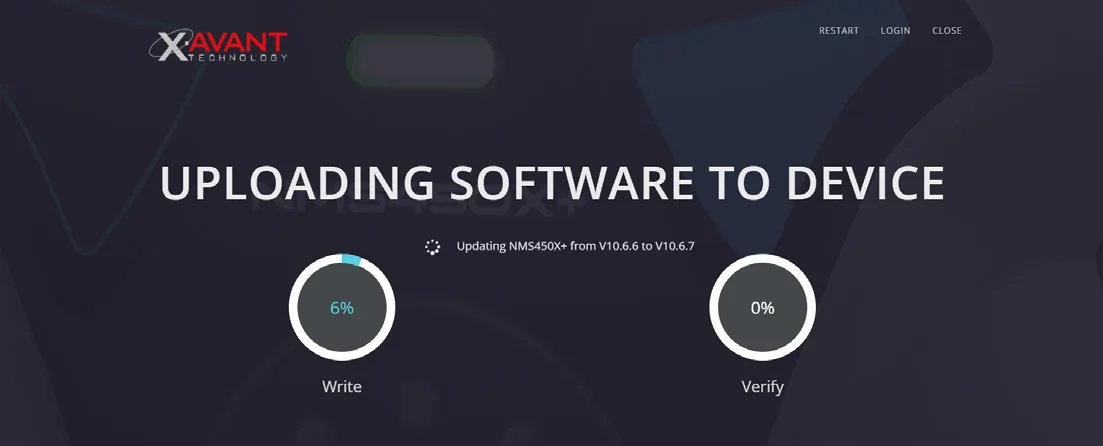
Install it
- Click Download for Microsoft Windows and save the file.
- Open the file you downloaded to run the installer.
- The installer puts an icon on your desktop and opens the application.
- When a newer version of the application is out, it installs itself the next time you open it.
Before you update
- A PC running Windows 10 or higher, connected to the internet.
- A Software Download Cable.
- Your Stimpod™, or the cable you want to update.
If Windows doesn't find the Software Download Cable, install the CP210x driver from Silicon Labs, as section 2.3 of the instructions for use explains.
Read the instructions for use (PDF) →